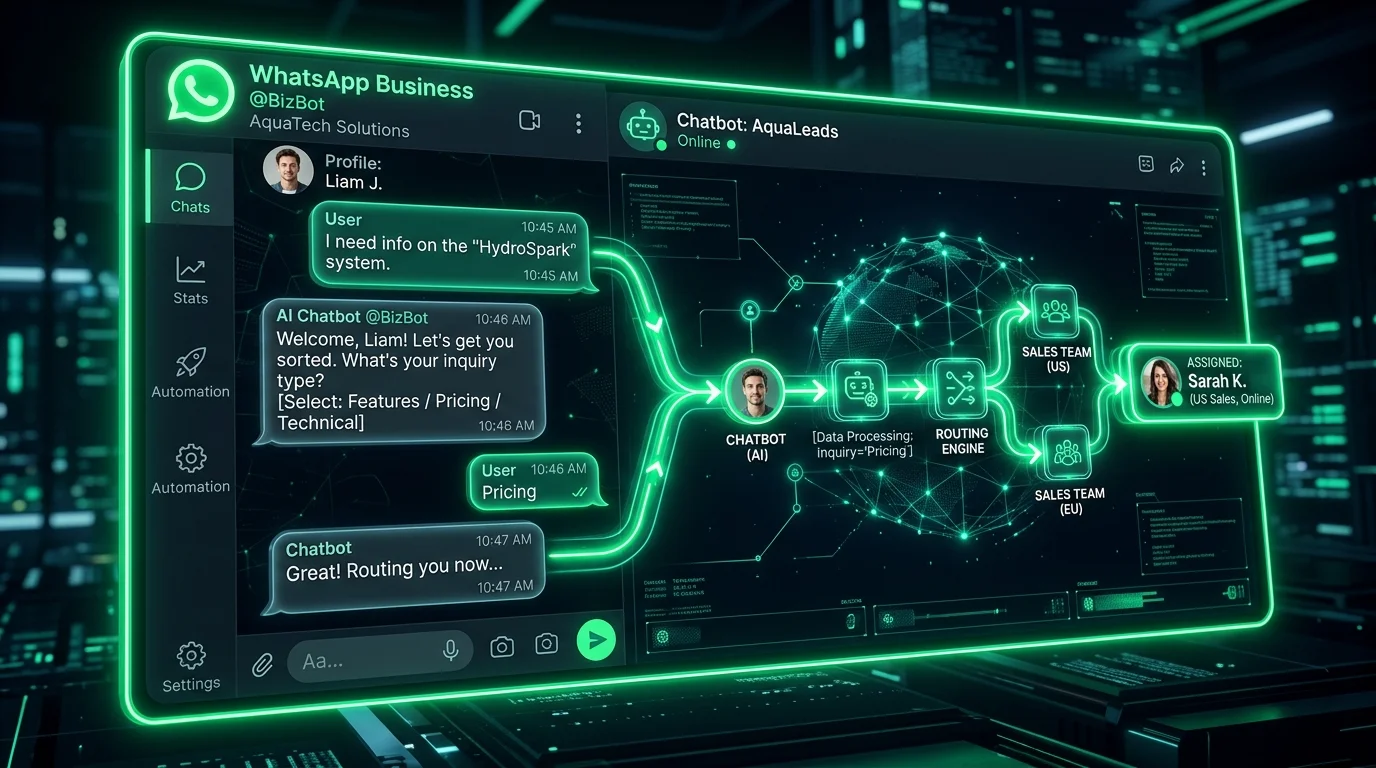
Conversational WhatsApp Messaging at Scale
WhatsApp Business has over 2 billion active users. Setting up intelligent AI auto-replies allows businesses to capture leads, confirm appointments, and solve queries instantly inside chat windows.
15 WhatsApp Auto-Reply Prompts
- 1. After-Hours Welcome Greeting:
Act as an instant WhatsApp bot for [Store Name]. Reply concisely to customer inquiry: "[User Message]". State business hours (9 AM - 6 PM) and offer quick FAQ selection numbers (1. Pricing, 2. Support, 3. Talk to Agent). - 2. Order Status Request:
Draft a conversational WhatsApp bot response to a user typing 'order status'. Prompt them to enter their 6-digit order number, and explain how the bot will check the shipping API database to return a real-time tracking link. - 3. Product Availability Check:
Write a quick, friendly auto-reply responding to a query about product stock. Explain that we are checking inventory status and prompt them to specify the preferred color and size of [Product]. - 4. Appointment Booking Confirmation:
Write an automated WhatsApp confirmation message for a dental or service booking. Include the date, time, address map link, and clear guidelines on how to reply to reschedule or cancel. - 5. Direct Lead Qualification Bot:
Act as a B2B sales development bot. Ask a user who texted 'services' 3 short qualifying questions: their industry type, monthly budget bracket, and if they want to book a call with our team. - 6. Billing & Invoice Query Bot:
Create a WhatsApp chatbot flow for invoice inquiries. Provide options to download the latest invoice, check the current account balance, or update the credit card on file by replying with numbers. - 7. Abandoned Cart Reminder:
Write a warm, conversational WhatsApp reminder to a customer who left items in their cart. Highlight a 10% discount code valid for the next 24 hours, and include a direct link to complete checkout. - 8. Customer Feedback Survey:
Draft a friendly post-interaction survey asking the user to rate their customer support experience on a scale of 1-5 by simply replying with a number, followed by a text field for suggestions. - 9. Interactive FAQ Matcher:
Create a WhatsApp bot menu listing the top 5 frequently asked questions (1. Refund Policy, 2. Delivery times, 3. Store location, 4. Jobs, 5. Other). Prompt them to select a number for answers. - 10. Discount & Promo Alerts:
Write an opt-in promo blast message notifying loyal WhatsApp subscribers about a weekend sale. Include the promo code, the start date, and a direct shopping link. - 11. Technical Issue Reporting:
Draft a support auto-reply for customers reporting service bugs via WhatsApp. Prompt them to describe the issue in one message and upload a screenshot or video recording if possible. - 12. Store Location & Hours:
Write a quick auto-reply triggered by keywords like 'location' or 'address'. Provide the full street address, landmark tips, operating hours, and a Google Maps URL. - 13. Refund Process Status:
Create a WhatsApp auto-reply updating a customer on their refund request. Confirm that the refund was processed on our end and specify the typical 3-5 bank business days window. - 14. Newsletter Subscription Opt-In:
Write a friendly opt-in message asking if the customer wants to receive weekly text alerts for new articles. Explain the benefit and prompt them to reply 'YES' to subscribe. - 15. Human Agent Escalation Bot:
Draft a WhatsApp response confirming that their query has been forwarded to a live human support representative. Provide a current queue wait estimate and ask them to remain online.
📱 Connect WhatsApp Webhooks to RSFlowHub APIs
Combine Intent Detection API and FAQ Matcher API to power your WhatsApp automation backend.
Explore Intent Detection API →
Sarah Jenkins Member
1 month agoWe hooked up the RSFlowHub Ticket Reply API to our helpdesk and our average resolution time dropped from 4 hours to 3 minutes!
Reply to Sarah Jenkins
Vikram Patel Member
1 month agoThe empathetic de-escalation prompt templates are golden for training support reps. Excellent article!
Reply to Vikram Patel