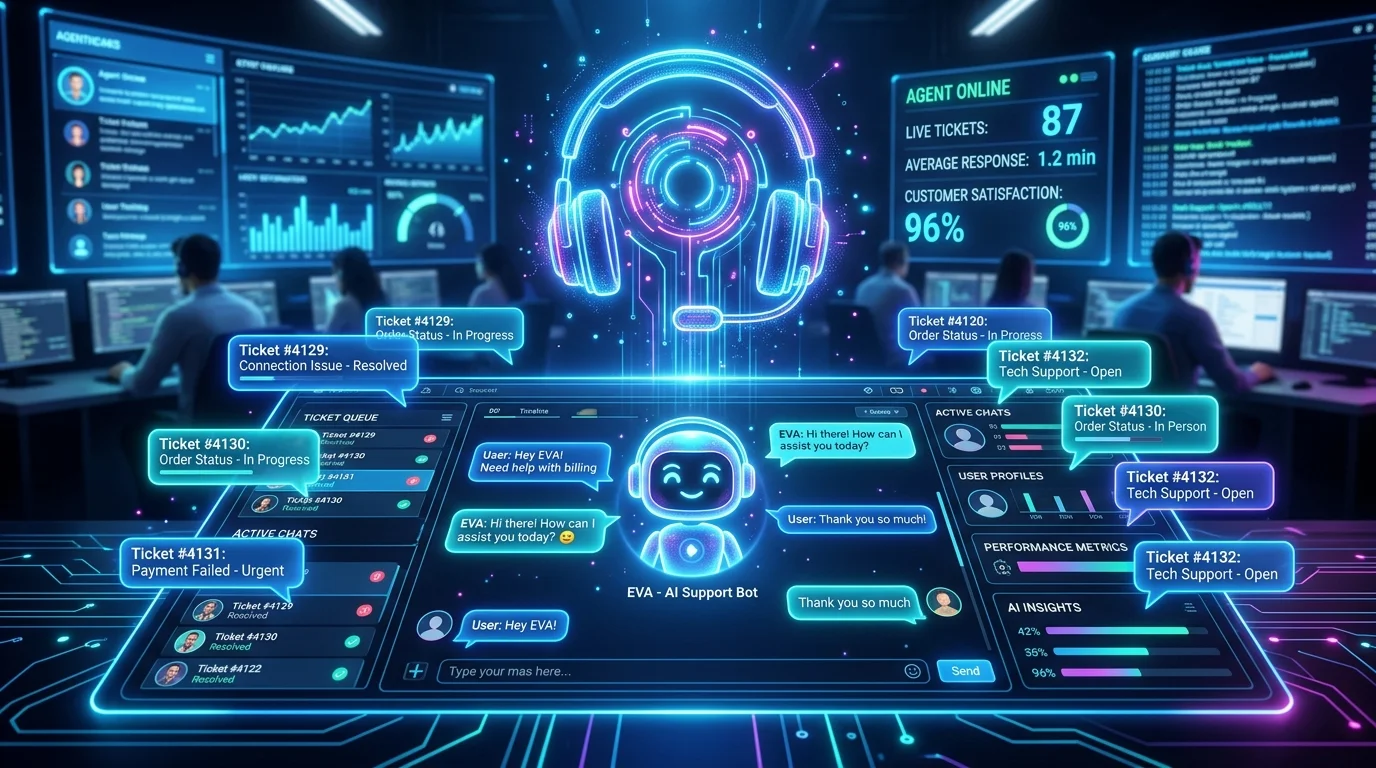
Transforming Helpdesk Operations with AI
Modern customers demand sub-5-minute support response times. By using structured support prompts, teams resolve customer tickets 4x faster while maintaining brand voice and warmth.
20 Customer Support Prompt Templates
- 1. Angry Customer De-escalation:
Act as an empathetic senior customer support manager. Draft a polite and professional response to a customer whose package delivery was delayed by 4 business days. Acknowledge their frustration, validate their feelings, offer a concrete resolution (like a 15% discount code and waiving shipping fees), and provide updated shipping tracker links. Keep the tone warm and reassuring. - 2. Technical Troubleshooting Guide:
Act as a technical support engineer. Explain in clear, step-by-step detail how a non-technical user can clear their browser cache, reset their API key, and check their internet latency in order to fix a page loading error. Keep the tone encouraging, use clear formatting, and avoid advanced technical jargon. - 3. Refund Request Handling:
Draft a customer support email responding to a request for a refund on a subscription renewal. If the user satisfies the 14-day refund window policy, outline the approval and the 3-5 business days processing timeframe. If they fall outside the policy, write a polite decline email offering a free month credit instead. - 4. Billing/Invoice Discrepancy:
Write a support template addressing a customer billing inquiry where they were double-charged due to a temporary payment gateway glitch. Apologize sincerely for the system error, confirm that the duplicate transaction has already been voided or refunded, and provide the transaction reference number. - 5. Subscription Cancellation Retention:
Write an automated email response to a customer requesting to cancel their account. Express disappointment to see them go, ask for feedback on their decision using a simple multichoice list, and propose a retention incentive (such as a 30% discount for the next 3 months or pausing the account). - 6. Feature Request Acknowledgement:
Draft a polite response to a user requesting a advanced custom feature that is not currently on the product roadmap. Thank them for the valuable feedback, explain how we prioritize requests, and suggest a workaround using our current APIs. - 7. Service Outage Update:
Create a service status notification template for a major database outage. Reassure users that our engineering team is actively investigating the root cause, estimate a resolution timeline, apologize for the business disruption, and link to the live status page. - 8. Compromised Account Protocol:
Write an urgent security email to a user whose account was flagged for suspicious logins. Detail the immediate preventative locking steps taken, explain how they can securely reset their password via a secure verification link, and list top security best practices. - 9. Password Reset Assistance:
Explain the password recovery process to an elderly customer who is locked out of their dashboard. Break down the steps to find the reset email, locate the verification code, and enter a new secure password. Keep the language simple and helpful. - 10. GDPR Data Deletion Request:
Draft a formal customer support response acknowledging a user's request to exercise their Right to Be Forgotten (GDDR/GDPR). Confirm receipt of the request, detail the timeline for total database purging, and explain what data will be deleted or anonymized. - 11. SLA Breach Apology:
Write an executive-level apology letter to an enterprise client for breaching the monthly uptime SLA. Detail the concrete technical incident steps taken, calculate the credit refund according to contract, and outline architectural mitigation plans. - 12. Upsell/Cross-sell Referral:
Draft a support response to a customer asking about volume limits. Detail the current usage statistics, explain how upgrading to the next tier will unlock advanced analytics features, and offer a guided demo call booking link. - 13. Late Payment Warning:
Write a friendly but firm email reminding a client that their monthly invoice payment is 7 days overdue. List the invoice details, provide a direct one-click payment link, and note that automated API suspension will occur in 5 days. - 14. Defective Physical Product:
Draft a support message responding to a client who received a damaged physical shipment. Request photos of the outer box for shipping claim files, issue an immediate replacement order at no charge, and provide a prepaid return label. - 15. Welcome & Onboarding Greeting:
Write a welcoming onboarding email to a newly registered user. Offer a brief summary of how to get started in under 3 minutes, link to the quick-start guide, and invite them to join the upcoming live weekly training webinar. - 16. API Integration Support:
Act as an developer support engineer. Draft a response to a developer struggling to authenticate their webhook payload. Provide a short code example showing how to compute the SHA256 signature check, and point to docs. - 17. Duplicate Account Consolidation:
Write a support template helping a user merge two active accounts with different emails. Explain what data can be transferred (profiles, keys) and request security validation signature from both email addresses. - 18. Shipping Address Correction:
Draft a quick support reply confirming that the customer's shipping address was updated successfully before the warehouse packed the order. Send them the corrected delivery address details for validation. - 19. Incorrect Product Shipped:
Write a support response to a customer who received the wrong product size or color. Express apology for the packing error, ship the correct item immediately, and specify that they can keep the incorrect item as a gift. - 20. Ticket Reassignment Transfer:
Write a polite transitional message telling a customer that their complex query is being escalated to the tier-3 engineering department. Provide a estimated review timeline and assure them that the agent remains their point of contact.
🎧 Deploy 24/7 Automated Ticket Reply API
Integrate RSFlowHub Ticket Reply API and Support Ticket Analysis API to classify and auto-respond to incoming helpdesk tickets instantly.
Discover Ticket Reply API →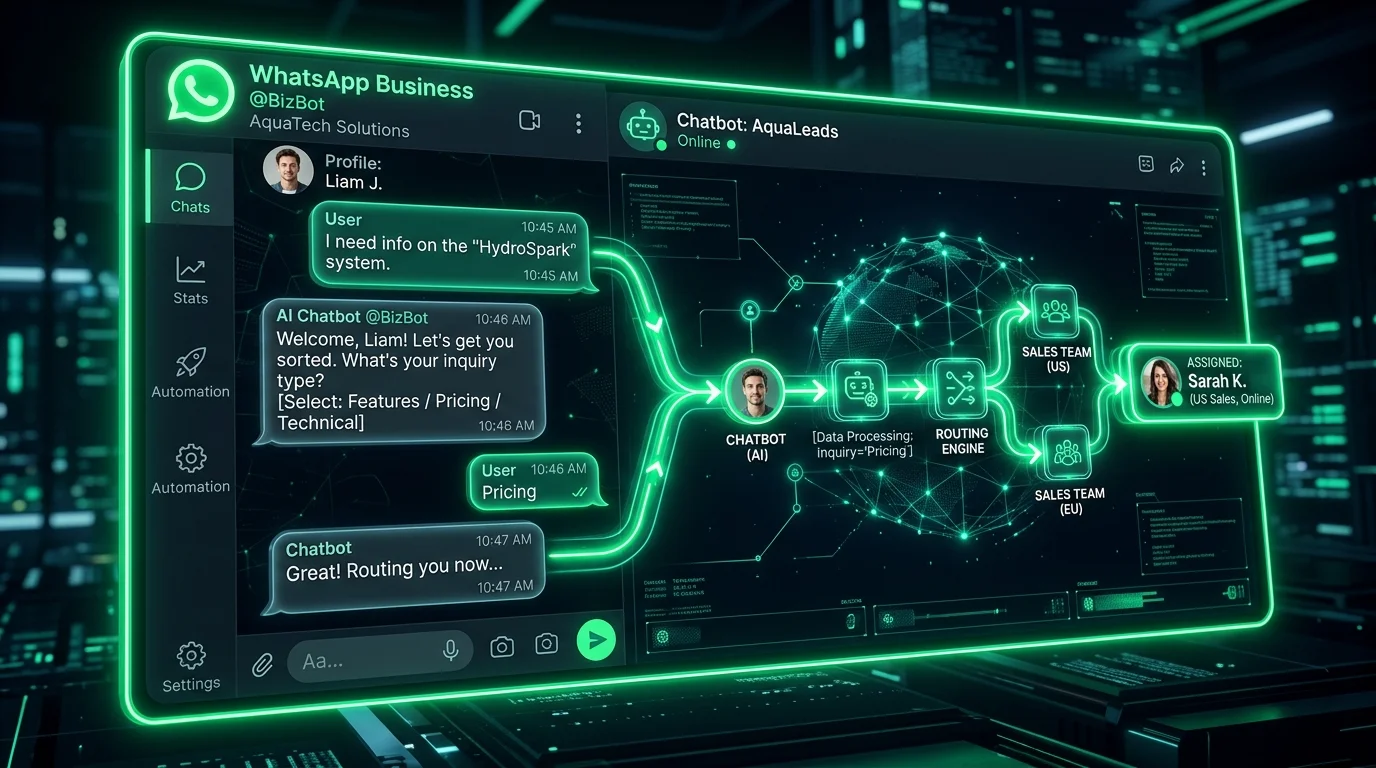
Alex Chen Member
1 month agoWe hooked up the RSFlowHub Ticket Reply API to our helpdesk and our average resolution time dropped from 4 hours to 3 minutes!
Reply to Alex Chen
Sarah Jenkins Member
1 month agoThe empathetic de-escalation prompt templates are golden for training support reps. Excellent article!
Reply to Sarah Jenkins